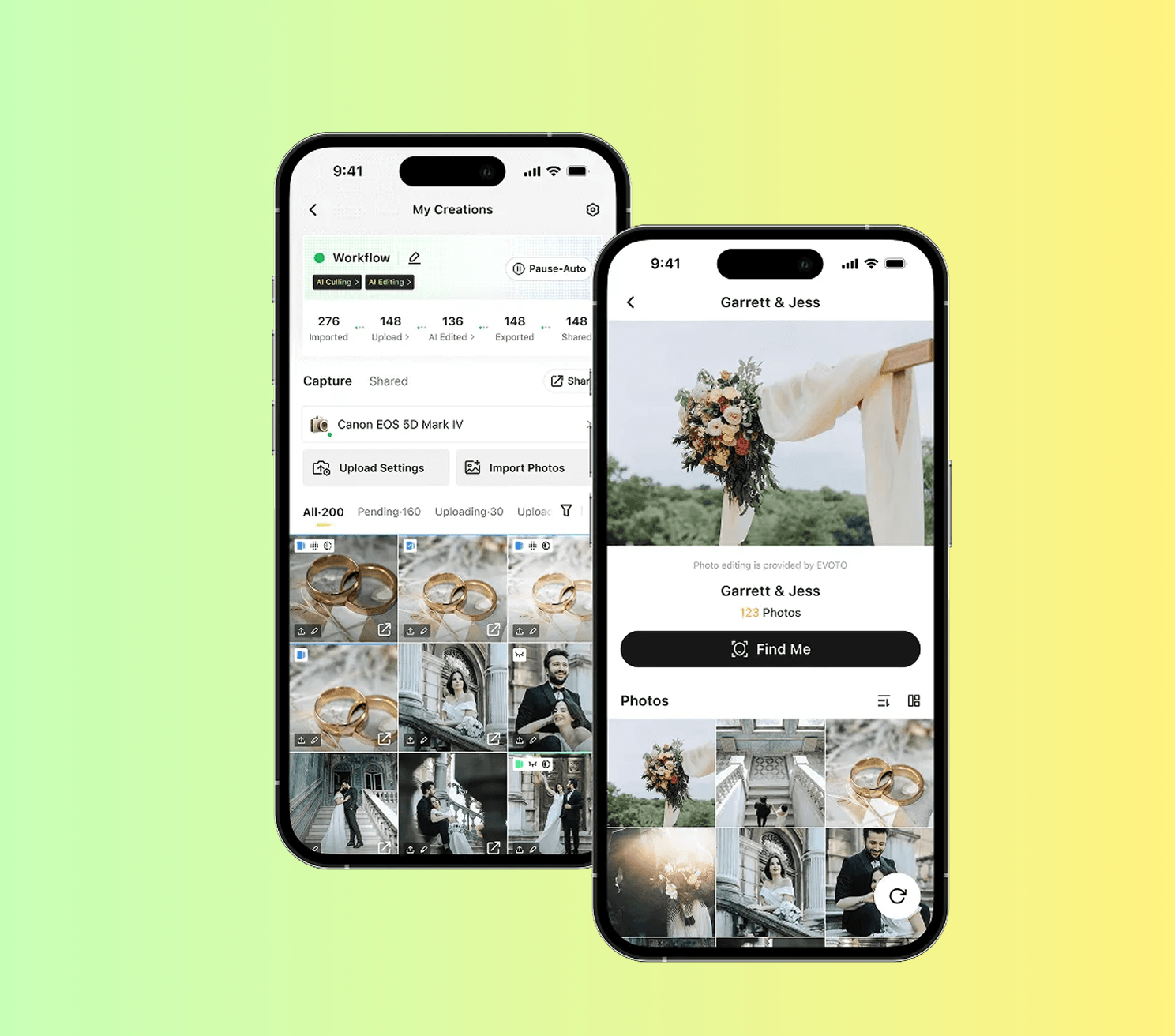
Instant moves photos through four stages: Imported, Edited, Approved, Sent. The dashboard is the live view of where each photo sits. After this lesson you can read the dashboard at a glance and know where attention is needed.
How to do it
Open the portal and click into any active project. Create a Playground project if there is none.
Find the four stage counts: Imported, Edited, Approved, Sent. They update every few seconds.
Watch what triggers each stage. New photos enter Imported. AI editing pushes them to Edited (or to Approved if auto-approval is on). Approved photos move to Sent only when the gallery is published.
Hover or tap a number to see which photos are in that stage.
Note the bottleneck. If Imported is high and Edited is low, AI editing is paused or queued. If Edited is high and Approved is low, someone needs to review.

Try it
In a test project, import three photos and watch them flow through stages. Toggle auto-approval and re-import to see how the path changes.
Watch out for
Watching only the Imported number. Imported keeps growing — that is normal. Edited and Approved tell you if delivery is on track.
Refreshing the page during heavy upload. Real-time sync handles it; refresh just resets your scroll position.