Evoto · Product learning
Learn Evoto. Ship the work you were already going to ship.
Short lessons that move from one real task to the next. No theory, no padding — open the product, finish the task, deliver the file.
How a lesson works here
01
1 anchor lesson
You open the product on a real file from your last shoot.
02
1 task you can ship
A 5–8 minute walkthrough finishes a deliverable, not a tutorial.
03
1 next step
Every lesson links to the next one tied to your kind of work.
Three product tracks
Pick the product that runs your day. Each track keeps lessons close to the tool, so you finish a real task by the end.
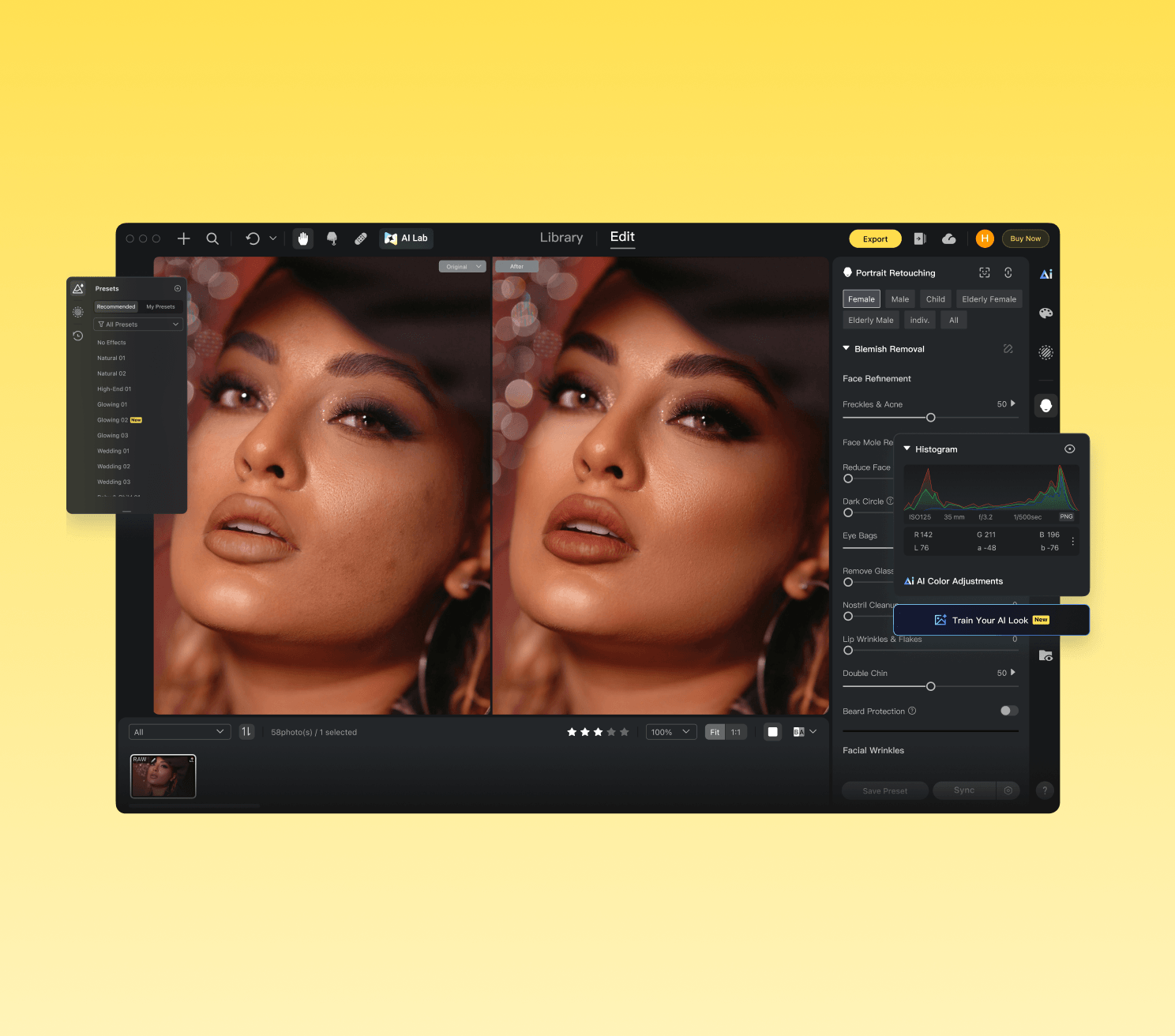
Evoto
Master every Evoto Desktop feature: from workspace setup through color, portrait retouching, background, clothing, pets, crop, tethered shooting, and automation.
Start learning →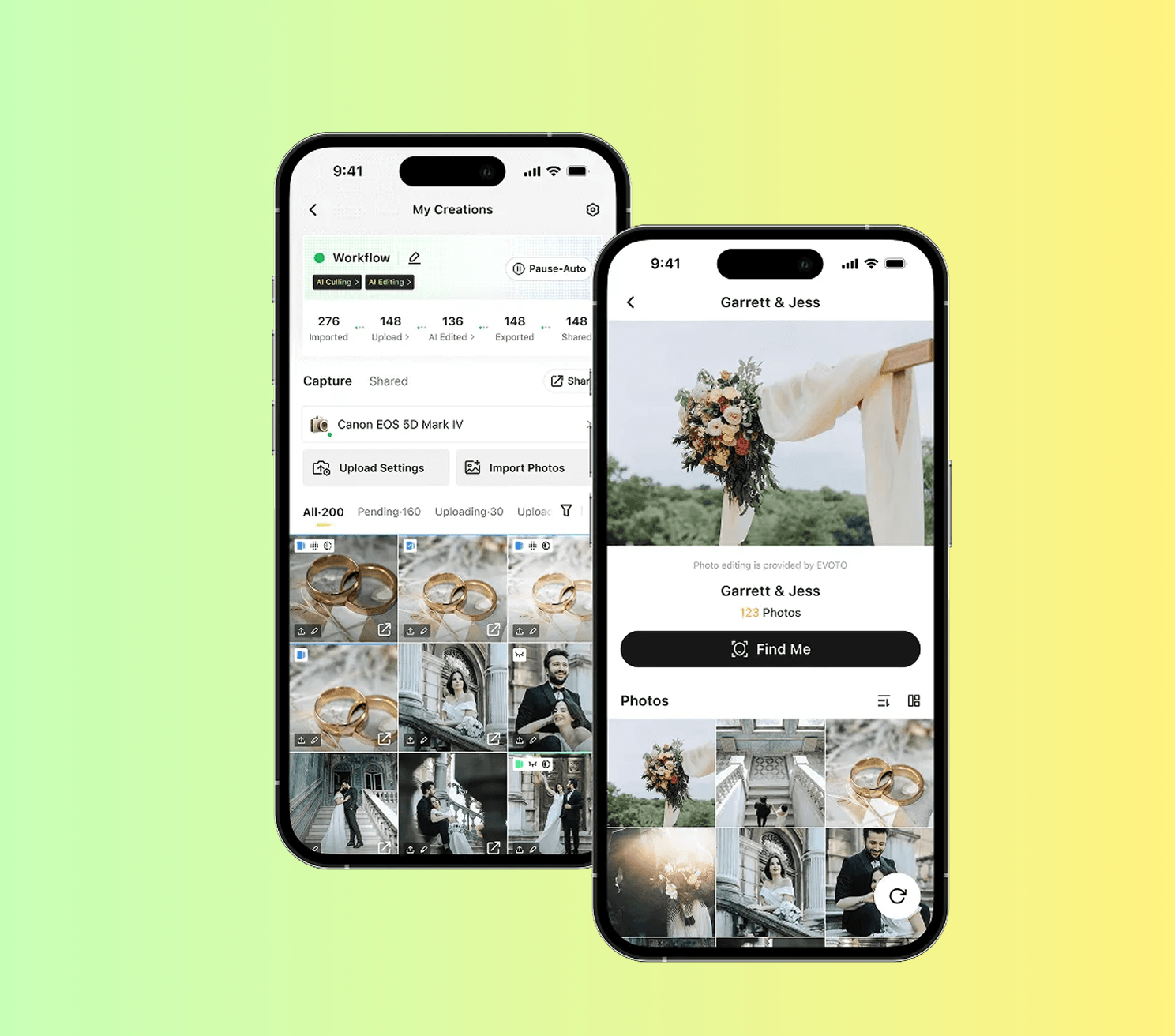
Evoto Instant
Run live event galleries with Evoto Instant, then scale beyond a single session.
Start learning →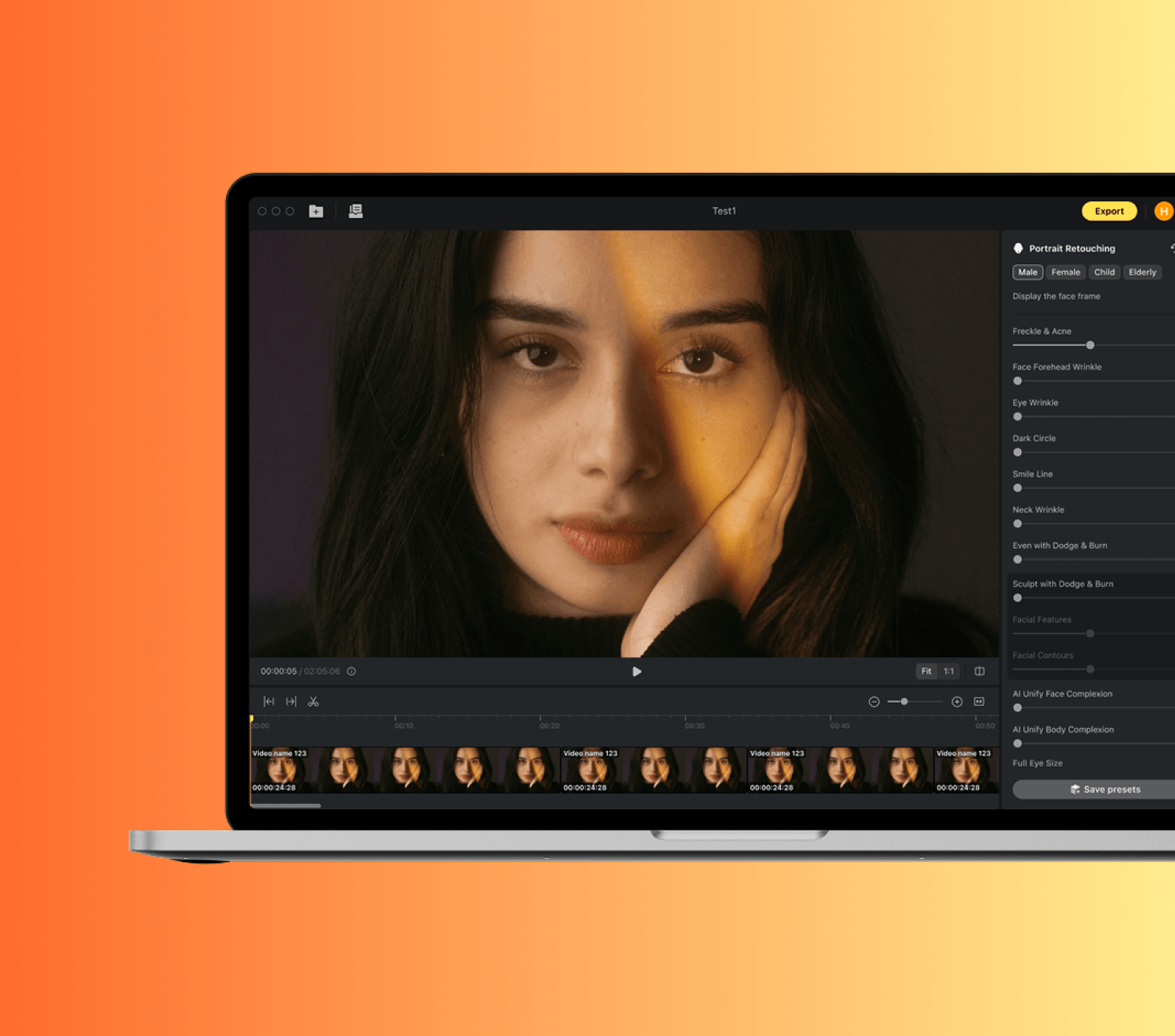
Evoto Video
Learn the mainstream Evoto Video workflow, from one safe clip edit to color match, export, and handoff.
Start learning →Recent lessons
Lessons we just published or refreshed.
Library Workspace Overview
Navigate the Library workspace: projects, folders, collections, gallery, culling, metadata, and view modes.
Read lessonImport & Export Basics
Supported file types, import methods, and export options including credit rules.
Read lessonDownload and Install Evoto
Get Evoto running on macOS or Windows with the right system settings from the start.
Read lessonCreate Your Evoto Account
Set up one account identity that carries your subscription, presets, and cloud data across devices.
Read lessonAI Lab: People Removal & Smart Removal
Remove unwanted people or objects from images using AI Lab tools.
Read lessonEdit Workspace Overview
Learn the six sections of the Edit workspace: toolbar, floating widget, preview, gallery, control panel, and feature modules.
Read lesson