Search & browse
Find a lesson
Browse product tracks and lessons, or search by workflow, tool, or question.
Start here
Product tracks
Three products, three learning paths. Open a track to see every lesson in order.
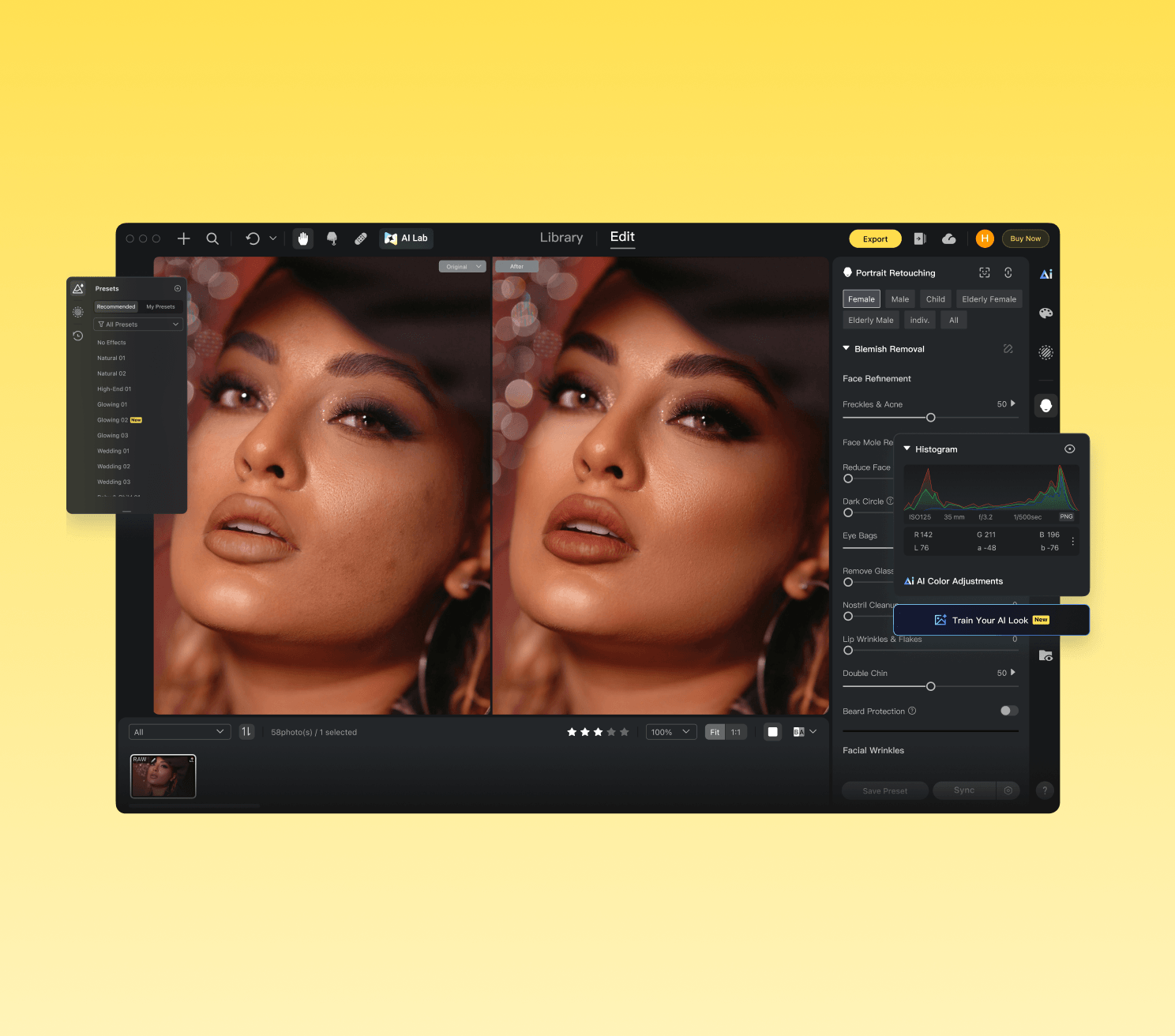
Evoto
Master every Evoto Desktop feature: from workspace setup through color, portrait retouching, background, clothing, pets, crop, tethered shooting, and automation.
Start learning →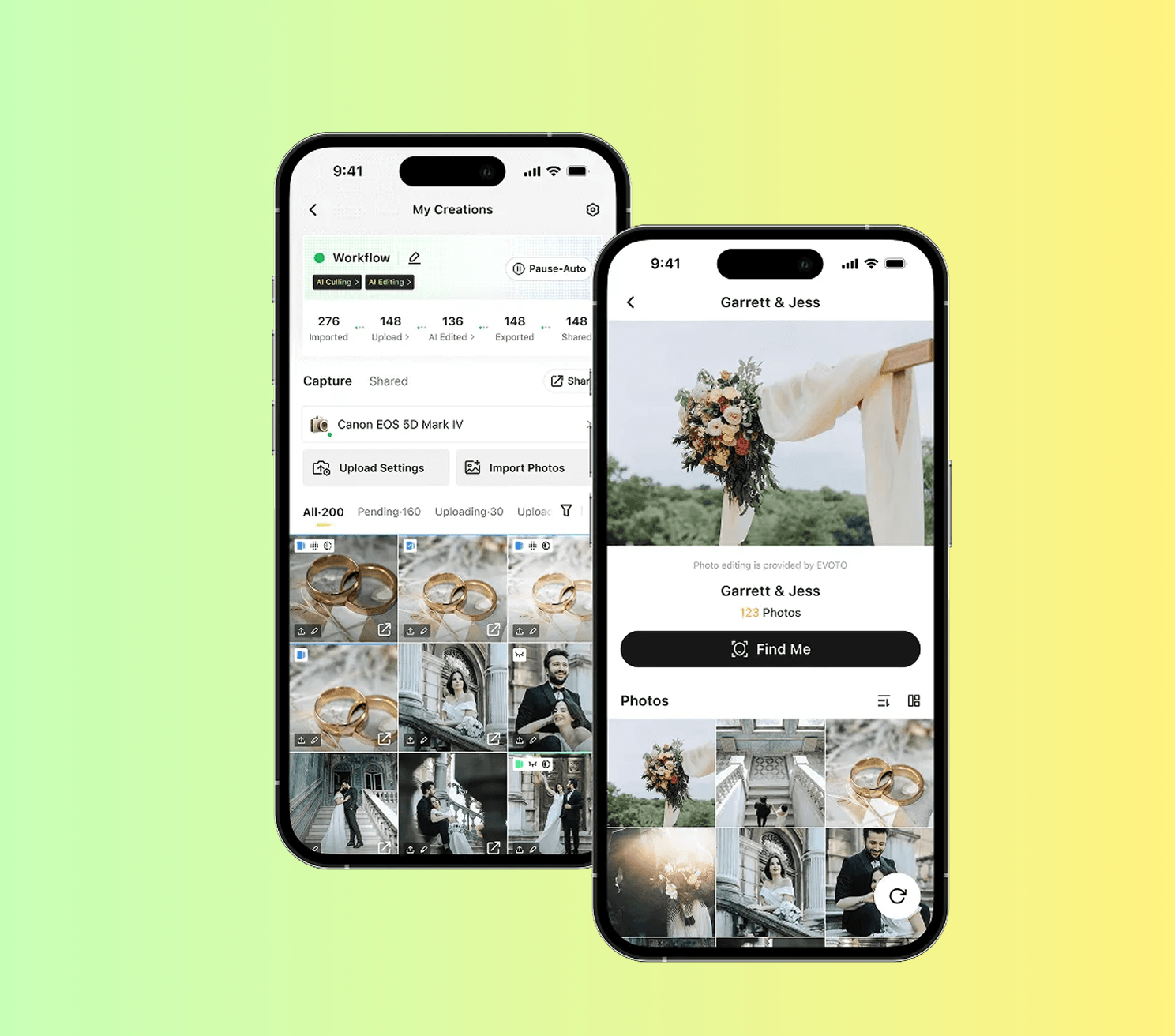
Evoto Instant
Run live event galleries with Evoto Instant, then scale beyond a single session.
Start learning →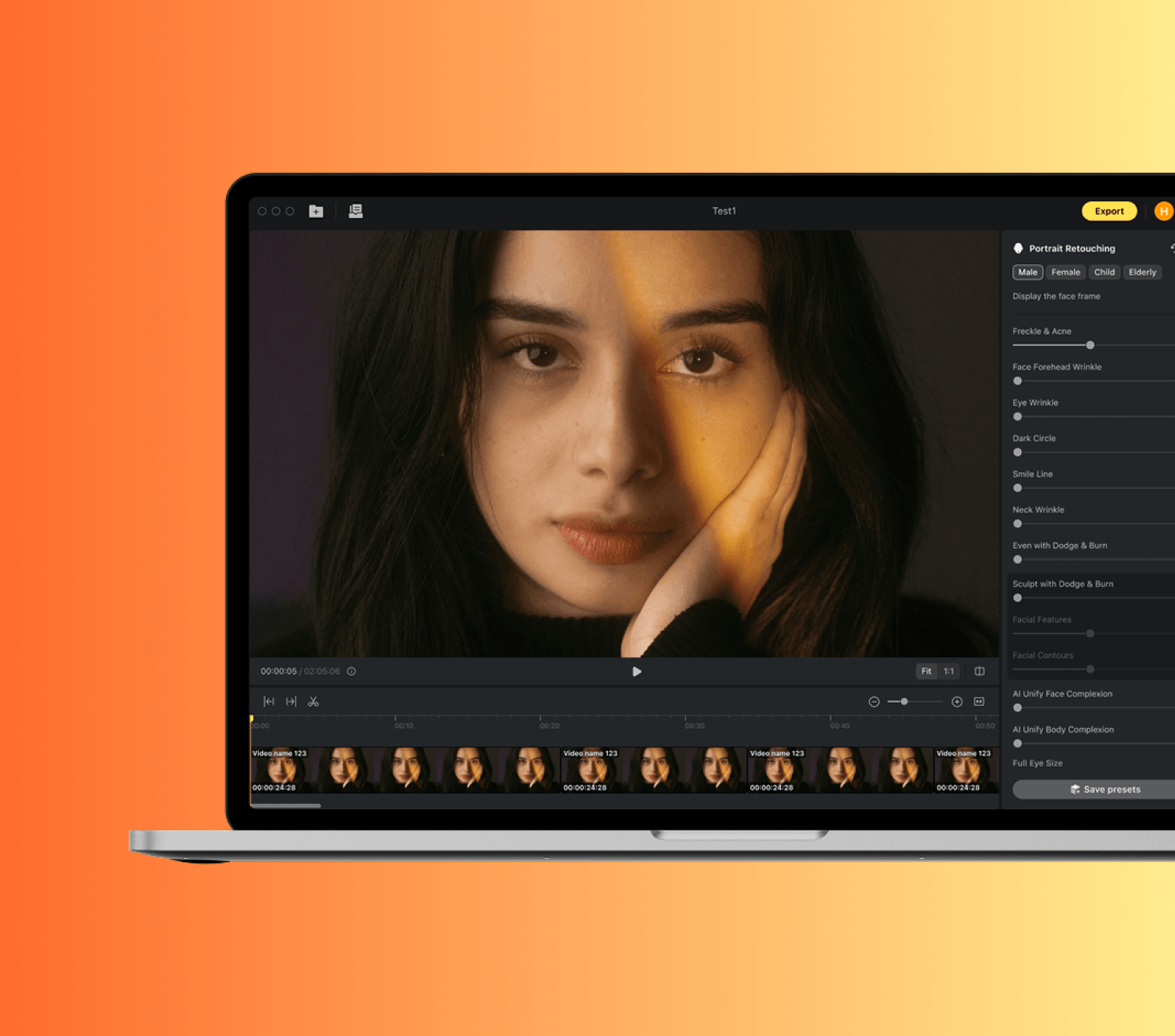
Evoto Video
Learn the mainstream Evoto Video workflow, from one safe clip edit to color match, export, and handoff.
Start learning →Recent lessons
Lessons we just published or refreshed.
- Article· 5 min· Desktop
Presence, HSL & Color Calibration
Control clarity, dehaze, and per-channel hue/saturation/luminance for precise color shaping.
- Article· 4 min· Desktop
Grain & Lens Corrections
Add film-like grain texture and correct lens distortion and vignetting.
- Article· 4 min· Desktop
Keyboard Shortcuts & System Settings
Speed up your workflow with keyboard shortcuts and configure performance, export, and cache settings.
- Article· 5 min· Desktop
Detail: Sharpen & Noise Reduction
Sharpen edges for clarity and reduce luminance/color noise for cleaner images.
- Article· 5 min· Desktop
Edit Workspace Overview
Learn the six sections of the Edit workspace: toolbar, floating widget, preview, gallery, control panel, and feature modules.
- Article· 4 min· Desktop
Download and Install Evoto
Get Evoto running on macOS or Windows with the right system settings from the start.
- Article· 6 min· Desktop
Library Workspace Overview
Navigate the Library workspace: projects, folders, collections, gallery, culling, metadata, and view modes.
- Article· 5 min· Desktop
Import & Export Basics
Supported file types, import methods, and export options including credit rules.
- Article· 5 min· Desktop
AI Lab: People Removal & Smart Removal
Remove unwanted people or objects from images using AI Lab tools.
- Article· 6 min· Desktop
Presets: Using, Managing & Importing
Apply recommended presets, build your own library, import third-party presets, and sync settings across images.
- Article· 3 min· Desktop
Create Your Evoto Account
Set up one account identity that carries your subscription, presets, and cloud data across devices.
- Article· 6 min· Desktop
AI Color Match
Match the color tone of a reference image across your entire set with AI semantic recognition.